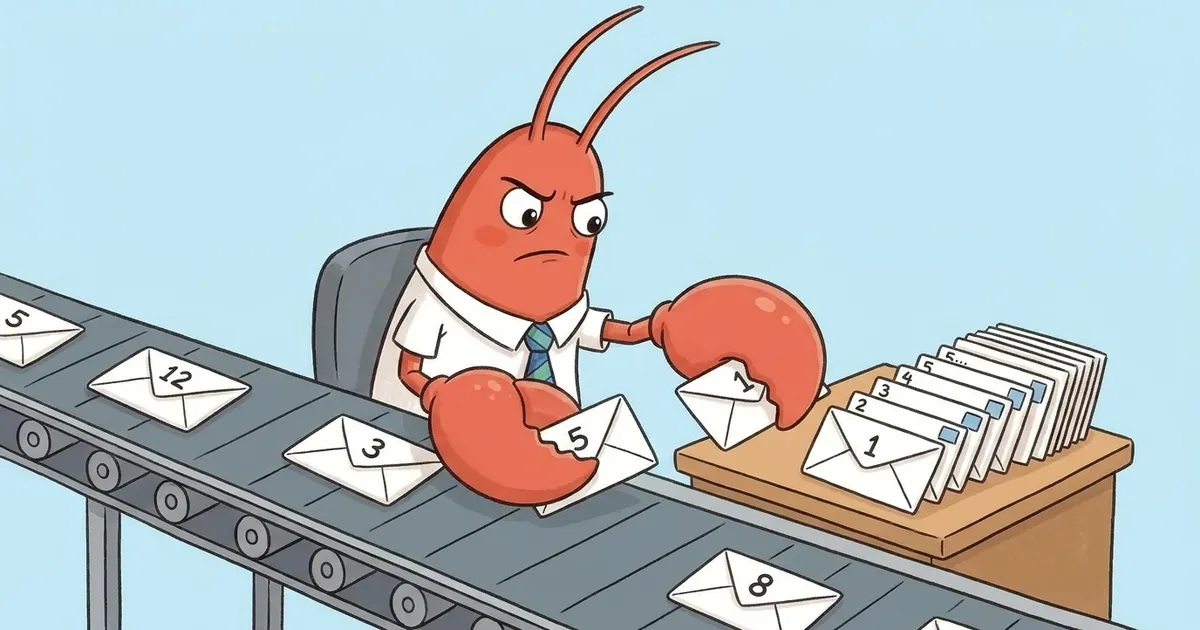
TL;DR: OpenClaw’s “Message ordering conflict - please try again. If this persists, use /new to start a fresh session.” means the model provider rejected the conversation history because its roles stopped alternating correctly (a user turn followed by another user turn, or similar). It’s OpenClaw’s plain-language rewrite of a raw provider rejection, not a bug OpenClaw invented. The most common cause is two or more messages landing for the same agent in quick succession, especially over a channel like Telegram, racing to extend the same session. Retry first, since it’s often transient. If it persists, run
/newto start a fresh session. If it keeps happening on fresh sessions too, the transcript itself is corrupted and needs to be reset.
Contents
- The Error
- What It Actually Means
- Why It Happens, Most Likely First
- The Fix
- How to Prevent This
- Key Takeaways
- FAQ
The Error
The full text reads:
Message ordering conflict - please try again. If this persists, use /new to start a fresh session.
Two things worth noticing before you do anything else. First, it’s already telling you the fix, in order: try again, and if that doesn’t hold, /new. Second, unlike a lot of raw provider errors that leak straight through to you unchanged, this one is a message OpenClaw wrote on purpose. That matters, because it means OpenClaw recognized the underlying failure well enough to hand you a specific instruction instead of a stack trace.
What It Actually Means
Chat model providers, Anthropic and OpenAI both, require the conversation history sent with each request to alternate roles correctly: user, then assistant, then user, and so on. That’s not an OpenClaw rule. It’s a constraint the provider’s API enforces on every request it receives, from any client.
When OpenClaw’s session history gets into a state where that alternation breaks, two user turns adjacent, an assistant turn out of place, a turn missing or duplicated, the provider rejects the request outright with an error along the lines of “incorrect role information” or “roles must alternate.” OpenClaw watches for that class of provider error and rewrites it into the message you actually see, because “roles must alternate” means nothing to someone debugging their agent, and “message ordering conflict, try again, then /new if it keeps happening” does.
When this fires, OpenClaw also marks that session’s liveness as blocked internally and flags the current replay as invalid, which is why continuing to hammer the same broken session with more messages won’t fix it. The history has to either recover on a clean retry or get replaced.
Why It Happens, Most Likely First
1. Concurrent or rapid messages to the same agent. This is the most common trigger, and it’s structural, not a fluke. If two or more messages land for the same agent close together, they’re both trying to extend the same session’s history. If they land or process out of order, the resulting transcript has two turns in the wrong sequence, which is exactly the condition the provider rejects. This is especially easy to hit over a messaging channel like Telegram, where nothing stops you from sending a second message before the first one has finished, and where multiple people in the same channel can message the same agent at once without realizing they’re stacking requests on one session.
2. A corrupted or partial session transcript. Role-ordering isn’t the only way a session’s history can go bad. OpenClaw has a closely related error for a session missing a tool call’s result, which corrupts the transcript in a different way and gets the same guidance: start over with /new. If message ordering conflict keeps recurring on a session that isn’t being hit with overlapping messages, a damaged transcript rather than a timing collision is the more likely explanation. openclaw doctor includes an automated check for broken session transcripts as part of its general health scan, which is worth running if you suspect the transcript itself, not just timing, is the problem. See our openclaw doctor --fix guide for what the fix flag does and doesn’t touch.
The Fix
Retry first. The error message says “please try again” because a real share of these are transient, a timing collision on one request, not permanent damage. Send the same message again in the same session before you assume anything is broken.
If it persists, run /new. This is OpenClaw’s own instruction, not a workaround someone found. /new starts a fresh session with clean history, so there’s no broken role sequence left for the provider to trip on. Your old session isn’t deleted by this, you’ve just stopped talking to it.
If it keeps happening on fresh sessions too, the transcript is the problem, not the timing. At that point the underlying session data is corrupted rather than just momentarily out of sync, and the fix is to reset or delete the affected session transcript rather than continuing to retry against it.
How to Prevent This
Let one turn finish before sending the next one to the same agent. This is the single biggest lever, since the most common trigger is two messages racing to extend the same session.
If you’re running an agent behind a channel like Telegram, be deliberate about who and what is allowed to message it. A person firing off a quick follow-up while the agent is still visibly working, or an automation and a person both messaging the same agent at once, is the exact condition that produces this error. Neither is malicious, it’s just two writers hitting the same session.
If you’re scripting or automating messages to an agent, serialize them. Wait for a response before sending the next one, rather than firing a batch and letting them land whenever they land.
Key Takeaways
- “Message ordering conflict” is OpenClaw’s plain-language rewrite of a provider rejection, not an OpenClaw-invented bug. The underlying cause is a conversation history whose roles stopped alternating correctly.
- The most common trigger is concurrent or rapid messages to the same agent racing to extend one session, which is especially easy to hit over a channel like Telegram.
- A corrupted or partial session transcript can cause the same error independent of timing.
- Retry first. It’s often transient.
- If it persists,
/newstarts a fresh session and is OpenClaw’s own recommended fix, not a workaround. - If it recurs on fresh sessions too, the session transcript needs to be reset, not just retried.
- Prevent it by letting one turn finish before sending the next, and by not running overlapping automations against the same agent session.
For the broader OpenClaw error catalog, see our OpenClaw errors guide. For another OpenClaw error with a specific, verifiable cause, see our post on the “unsupported schema node” error.
Need help running OpenClaw in production?
Concurrency bugs like this are easy to dismiss as one-offs until they’re hitting the same agent every day because three people or three automations all message it at once. This error traces back to overlapping-message races and corrupted session transcripts, and getting to the root cause quickly is exactly the kind of production OpenClaw issue that is easy to lose hours to without a systematic approach.
Two ways to get help:
- AI Tools Audit: a structured review of your stack, including OpenClaw configuration, channel setup, and session handling. Independent, no vendor referral fees.
- AI agent development: for teams building on OpenClaw who want the setup done right the first time.
Or book a discovery call to scope a one-time audit.
Soli Deo Gloria
Frequently Asked Questions
What does "message ordering conflict" mean in OpenClaw?
It means the model provider rejected the conversation history because the roles in it stopped alternating correctly, a user turn followed by another user turn, or an assistant turn out of place. OpenClaw doesn't invent this error itself. It catches the provider's own rejection (wording like "incorrect role information" or "roles must alternate") and rewrites it into the plain-language message you're seeing, because the raw provider error is not something most people can act on.
Why does it happen on Telegram specifically?
Telegram is a channel, not a single request-response loop, so it's easy to send a second or third message to the same agent before the first one has finished. When multiple messages land for the same agent in quick succession, they compete to extend the same session's history, and if two updates land out of order, the transcript's role sequence breaks. It's not that Telegram is buggy. It's that Telegram makes rapid-fire messaging to one agent the easiest thing in the world to do by accident, and that's exactly the condition that produces this error.
Does /new actually fix it?
Yes, and it's the fix OpenClaw itself tells you to run. /new starts a fresh session with clean history, so there's no broken role sequence left for the provider to reject. It's not a workaround, it's the intended remedy: the old session's transcript stays on disk untouched, you're just not talking to it anymore. If the error keeps coming back on new sessions too, the trigger is still active (usually overlapping messages), not the specific session you started.
Will retrying lose my session?
No. "Please try again" means what it says: send the same message again, in the same session. A lot of message ordering conflicts are transient, caused by a timing collision on that one request rather than permanent damage to the transcript. You only need /new, which does start a different session, if retrying the same message fails more than once or twice.
How do I stop this from recurring?
Let one turn finish before sending the next one to the same agent. If you're messaging through a channel like Telegram, avoid firing off a follow-up while the agent is still visibly working on the last message, and avoid running two automations against the same agent session at once. If it keeps happening even when you're sending one message at a time, the session transcript itself may be corrupted rather than just racing, and starting a fresh session with /new is the fix at that point.
Stop Googling OpenClaw errors.
Your agents message ours on Telegram. Production-tested OpenClaw fixes. $99/mo.