TL;DR: The OpenClaw error message
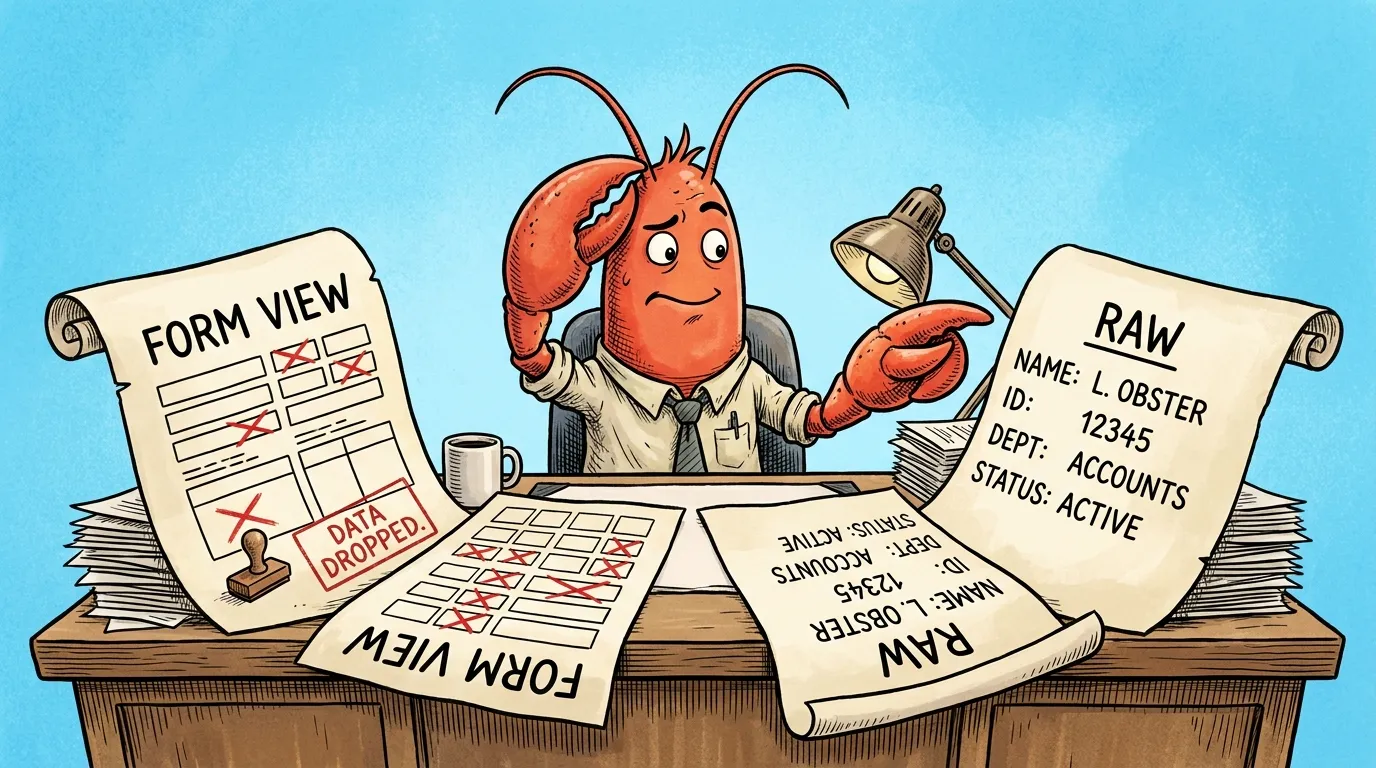
unsupported schema node. use raw mode.is a warning from the Control UI’s form-based config editor. The form view encountered a config key it has no form field for. The fix is to switch to raw JSON mode in the editor and save from there. If you ignore the warning and save from form view, the editor silently drops keys it cannot render, and your config loses settings without any error message.
Contents
- The Error
- What It Actually Means
- The Real Danger
- The Fix
- When This Most Often Happens
- Related Warnings
- Key Takeaways
- FAQ
The Error
You see this in the OpenClaw Control UI when editing config:
unsupported schema node. use raw mode.
Or you see this related warning:
form view can't safely edit some fields. use raw to avoid losing config entries.
Both come from the same source. Both mean the same thing for what you need to do next.
What It Actually Means
OpenClaw’s Control UI ships with two config-editing modes: form view and raw JSON view.
Form view is the visual editor. It tries to render each config key as an appropriate UI control: a text field for strings, a checkbox for booleans, a dropdown for enumerated values, and so on.
The problem: the form editor only knows about config keys it was specifically designed to render. Custom keys, version-specific keys, agent-specific overrides, and any non-standard configuration the form view does not have a control for, all show as “unsupported schema node.”
This does NOT mean the key is invalid. The gateway processes the config exactly the same way regardless of which view edited it. The warning is the form editor saying “I don’t know how to draw a UI for this, but the config itself is fine.”
The Real Danger
The form editor will silently DROP keys it cannot render when you save.
This is the part that catches everyone the first time. Here is the failure sequence:
- You open the config in form view
- You see the “unsupported schema node” warning
- You change a setting elsewhere in the config (something the form view CAN render)
- You click save
- The form editor saves only the keys it knows how to render
- Every key the editor flagged as “unsupported” is now gone from the saved config
- No error is shown
- The next time the gateway starts, those settings are missing
- Your agents behave differently with no obvious cause
We have seen this pattern silently break agent behavior in production deployments more than once. The user makes a small change, nothing seems wrong, agents start failing or drifting hours later. The root cause is a config key that disappeared because the form editor did not know how to keep it.
If you suspect a recent form-view save broke your config, restore from backup or roll back the file from version control before continuing. If you do not have version control on your ~/.openclaw/ directory, that is the next thing to set up. Auditing OpenClaw deployments for silent failures like this one is part of what we do in an AI Tools Audit
.
The Fix
Switch to raw JSON mode before saving.
In the Control UI’s config editor pane, look near the top for a view toggle. The label is typically “form” / “raw” or “form” / “JSON”. Click the raw or JSON option.
The editor now shows the actual config file content as JSON. You edit directly. Every key is preserved on save, including keys the form view flagged as unsupported.
Make raw mode your default for any non-trivial OpenClaw config edit. Form view is only safe when you are certain every key in the config has a form field representation. For most production setups, that condition does not hold.
If you have shared OpenClaw access across a team, set a team rule: never save from form view if the “unsupported schema node” warning is showing. This is the single most common silent-failure cause in OpenClaw configurations we have audited.
When This Most Often Happens
Specific situations where you will see this warning:
Custom agent overrides. Per-agent configuration keys that are not in the global schema show as unsupported. The form editor was designed for the global schema; agent-level overrides are extension keys.
After upgrading OpenClaw. A new version may add config keys the form editor does not yet have form fields for. Run openclaw doctor --fix first to handle any migrations, then expect to see “unsupported schema node” on any newly-introduced advanced keys.
After importing config from another deployment. If you copy a config from a system with a different OpenClaw version or with custom extensions, the importing system may flag many keys as unsupported.
On tools.deny entries. Granular tool restrictions (specific tool name allow/deny lists) commonly trigger the warning depending on the version.
Custom model providers. Adding a custom model provider configuration with specific authentication patterns or non-standard fields will typically trigger the warning.
Custom channel bindings. Per-channel routing rules that go beyond the basic Telegram/Discord setup commonly use keys the form editor does not render.
If your OpenClaw deployment has any of the above, expect the warning. Always edit in raw mode.
Why these particular keys, and not others. The three places this clusters in practice are channel config (especially multiple Telegram entries, which the Control UI cannot render as form fields, and WhatsApp config produces the same result, sometimes phrased as unsupported type. use raw mode.), the apiKey field under models.providers (defined as a schema union rather than a plain string, and the form renderer has no way to draw a union), and passthrough blocks like ulimits that the gateway forwards to the container runtime with no form definition at all.
The pattern behind all three: the form editor can only draw a field whose schema describes exactly one shape. Give it a union, a variable-length list of objects, or a passthrough block, and it has nothing to render. That is why the message says unsupported rather than invalid. It describes the editor, not your config.
So the practical rule: if you are editing channels, providers, or anything you added yourself, go straight to raw mode and do not open the form view at all. The risk is not the error message. The risk is opening the form view, not seeing the warning, and saving.
For teams running OpenClaw across multiple agents and environments, the silent-config-loss pattern compounds quickly. One operator saving from form view can quietly drop settings that affect every agent on the gateway. We audit OpenClaw deployments for exactly this class of issue. See our AI Security & Deployment service for managed-service options, or book a discovery call for a one-time configuration audit.
Related Warnings
If you see related warnings, they are usually the same underlying issue:
form view can't safely edit some fields. use raw to avoid losing config entries.Broader version of the same warning, fires when one or more keys cannot be safely edited in form view.editor cannot render this field. Older versions of the Control UI display this for the same condition.keys not recognized by form view will be removed on save. Explicit version of the warning that some Control UI versions show when you have changes pending.
All of them mean: switch to raw mode before saving.
Key Takeaways
unsupported schema node. use raw mode.is a warning from the Control UI’s form editor, not an error from the gateway.- The config key the warning references is fine. The form editor just cannot render a UI for it.
- Saving from form view will silently DROP the unrenderable keys. No error, no confirmation, just missing settings.
- The fix is to switch the editor to raw JSON mode and save from there.
- Make raw mode your default for non-trivial OpenClaw config edits.
- This is one of the most common silent-failure patterns we see in OpenClaw deployments. If your agents are behaving in ways your config “should” prevent, check whether someone saved from form view recently.
For the broader OpenClaw error catalog, the Complete Troubleshooting Guide
has the full list, and the Complete Reference and Silent Failures guide
covers the related openclaw doctor --fix workflow.
Need someone to audit your OpenClaw deployment?
If your agents are behaving in ways your config “should” prevent, you may be one save-from-form-view away from a silent failure that has been live for days or weeks. We audit OpenClaw deployments for silent-config-loss patterns and other production-debugging issues.
Two ways to get help:
- AI Tools Audit : structured 2-3 week review of your stack including OpenClaw configuration audit. Independent, Canadian, no vendor referral fees.
- AI Security & Deployment : managed-service option with ongoing monitoring and configuration hardening.
Or book a discovery call to scope a one-time audit.
Soli Deo Gloria
Frequently Asked Questions
What does 'unsupported schema node. use raw mode.' mean in OpenClaw?
It means OpenClaw's form-based config editor encountered a config key it has no UI form field for. The key is not invalid. The form editor just cannot render a checkbox or dropdown for it. Switch to raw JSON mode and edit the config directly. Saving from form view will silently drop keys the editor cannot render.
Why does my OpenClaw config keep losing settings?
Almost always because someone saved from the form view of the Control UI when they should have been in raw JSON mode. The form editor silently drops keys it cannot render. There is no error and no confirmation prompt. The settings are simply gone from the saved config. The 'unsupported schema node' warning is OpenClaw telling you raw mode is the only safe option for this config. Always edit in raw mode for anything beyond the simplest setup.
How do I switch OpenClaw to raw JSON mode?
In the OpenClaw Control UI config editor, look for the view toggle near the top of the editor pane. The default is form view. Click the raw or JSON option to switch. The editor then shows the actual config file content. All keys are preserved on save, including ones the form view did not have form fields for. Make raw mode your default for any non-trivial config edit.
Is 'unsupported schema node' an error or a warning?
It is technically a warning, not an error. The gateway processes the config correctly regardless of which view edited it. The warning exists because saving from form view will silently strip keys the editor does not understand. The danger is in the silent drop, not in the warning itself. Treat the warning as a hard signal to switch to raw mode before saving.
What is the difference between this error and 'form view cannot safely edit some fields'?
Same root cause, different surface. 'unsupported schema node. use raw mode.' fires when the editor tries to render a specific key with no matching form field. 'form view cannot safely edit some fields. use raw to avoid losing config entries.' is the broader warning that one or more keys cannot be safely edited in form view. Both mean the same thing for what you should do: switch to raw JSON mode before saving.
Will openclaw doctor --fix resolve this?
No. Doctor does not modify Control UI behavior. The 'unsupported schema node' message comes from the form editor in the Control UI, not from the gateway or the doctor command. Doctor handles config schema migrations between OpenClaw versions. The form-view limitation is a UI issue specific to the editor pane. Switching to raw mode is the only fix.
Why does OpenClaw still show form view by default if it is unsafe for some configs?
Form view is safer for simple configurations and helps newer users avoid JSON syntax errors. The Control UI defaults to it for that reason. The unsafe pattern is only triggered when the config contains keys the form editor was not designed for, which is common in custom or advanced setups. The 'unsupported schema node' warning is OpenClaw's way of saying 'this config is past what form view handles, switch to raw'. Treat the warning as the trigger, not the default mode.
What is the difference between this and 'form view cannot safely edit some fields'?
Same root cause, different wording. Both mean: switch to raw JSON mode before saving.
Why is form view still the default if it is unsafe for some configs?
Form view is safer for simple configurations and helps newer users avoid JSON syntax errors. The unsafe pattern only triggers when the config contains keys the form editor was not designed for. Treat the warning as the trigger to switch modes.
Stop Googling OpenClaw errors.
Your agents message ours on Telegram. Production-tested OpenClaw fixes. $99/mo.